
The Companies section is used to manage company records associated with contacts within the Call Center system. It allows users to create, search, and maintain company information from the management interface.
This section helps administrators organize contacts by company and maintain related business information for easier contact management.
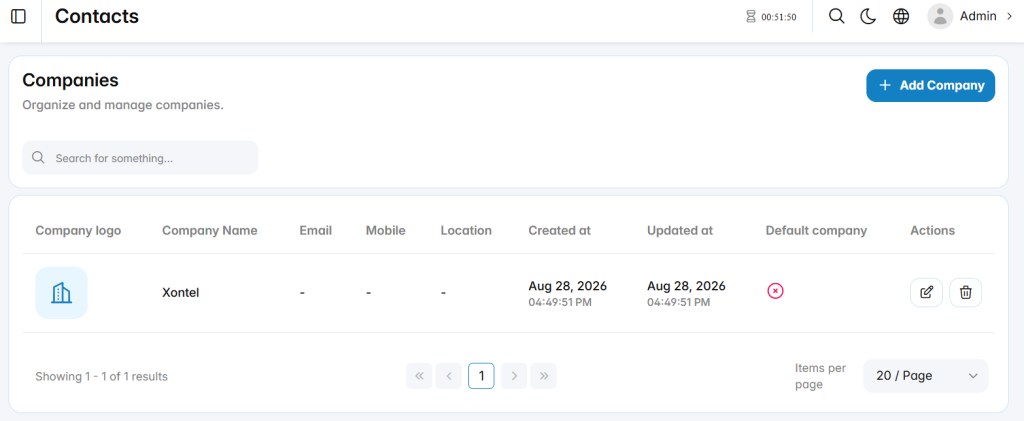
Add Company
The Add Company section is used to create a new company record.
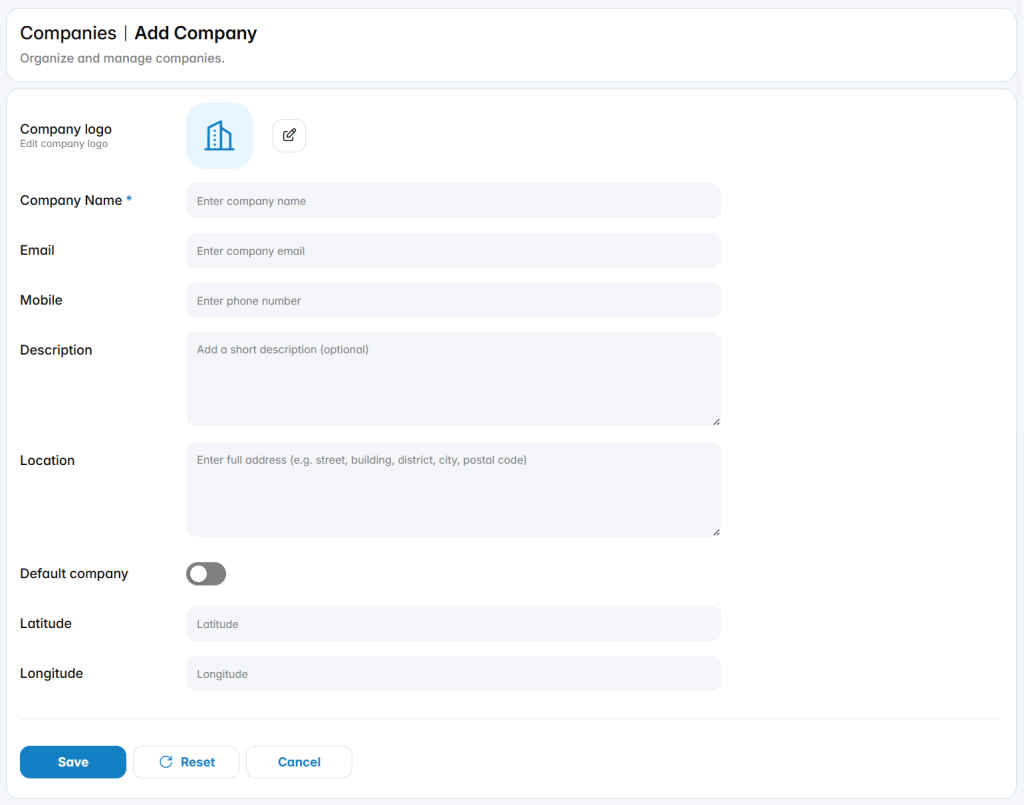
Company Information
The available fields define the main information associated with the company.
Company Logo: Specifies the logo used to represent the company.
Company Name: Defines the name assigned to the company.
Email: Defines the company email address.
Mobile: Defines the company mobile or contact number.
Description: Defines optional information describing the company.
Location: Defines the full company address or location.
Default Company: Enables or disables the company as the default company record.
Latitude: Defines the geographic latitude associated with the company location.
Longitude: Defines the geographic longitude associated with the company location.