
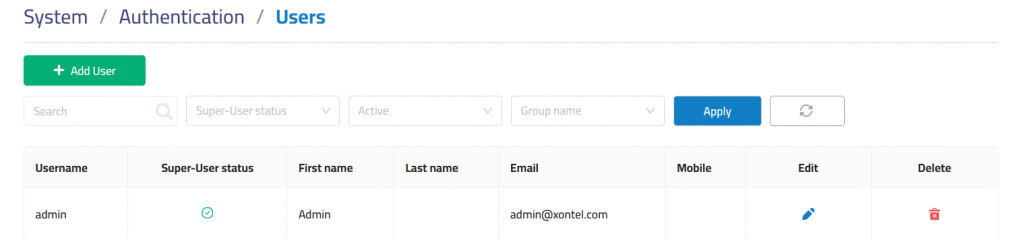
Users section is used to manage system users and their access to the PBX management interface. It allows administrators to review user accounts, check privilege status, filter users by access criteria, and create new user.
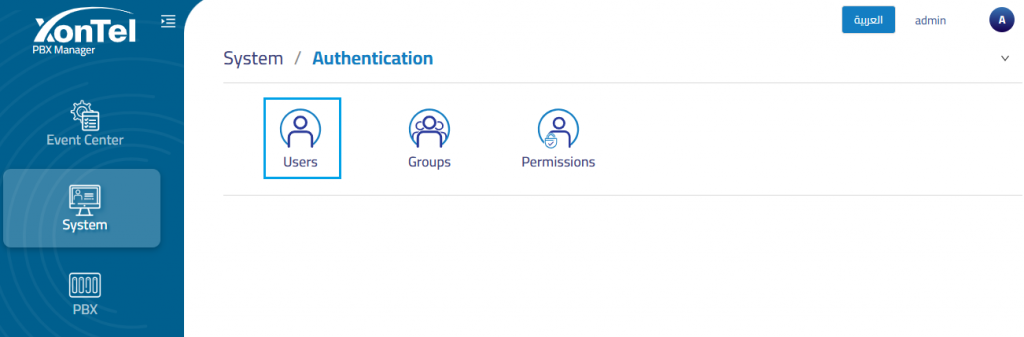
The system includes one default admin account referred to as the Super-User, which holds the highest level of privileges.
Add User
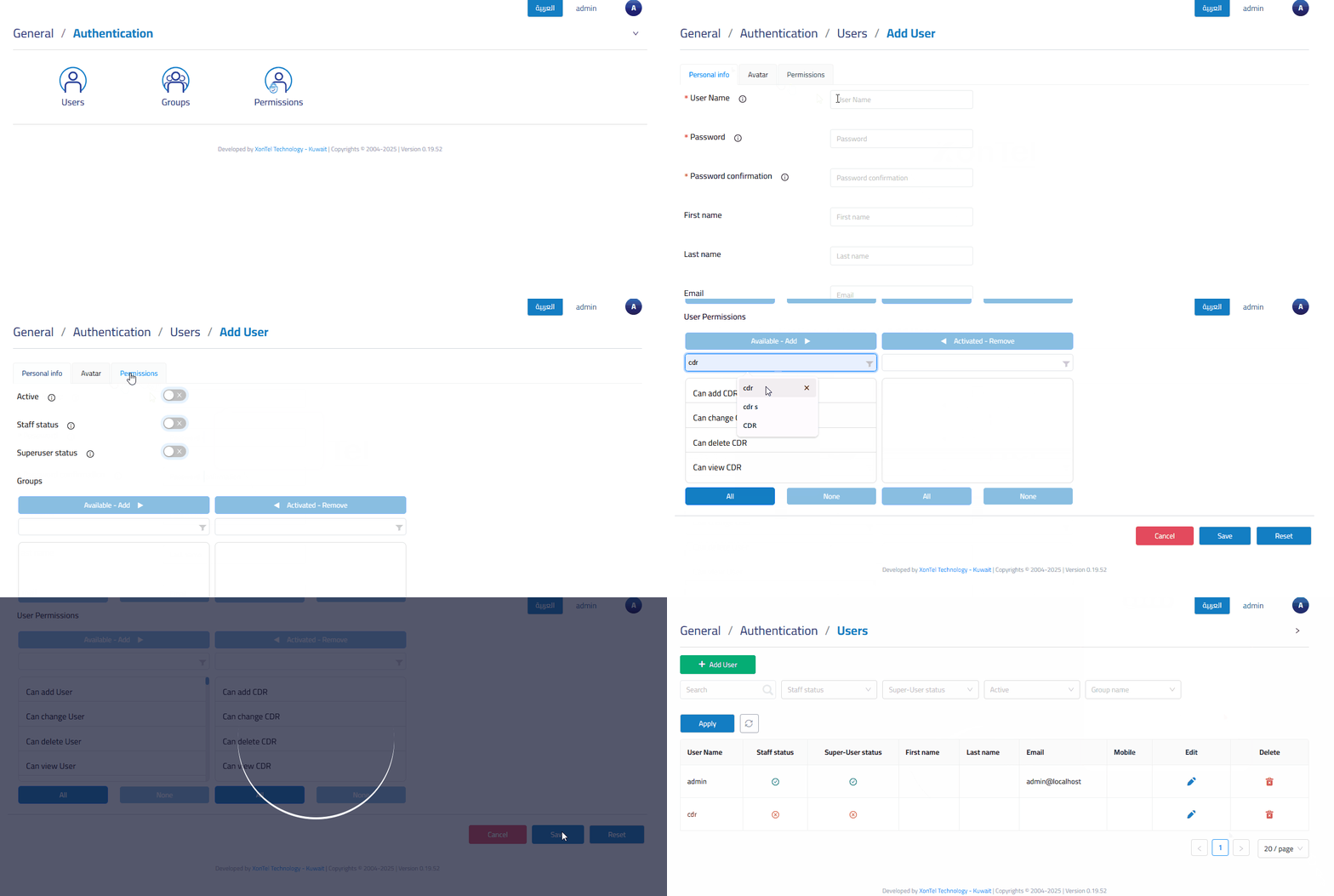
The Add User section is used to create a new user account and configure access settings for the PBX management interface.
In details
Personal info
The Personal Info tab is used to enter the user’s account credentials and profile information.
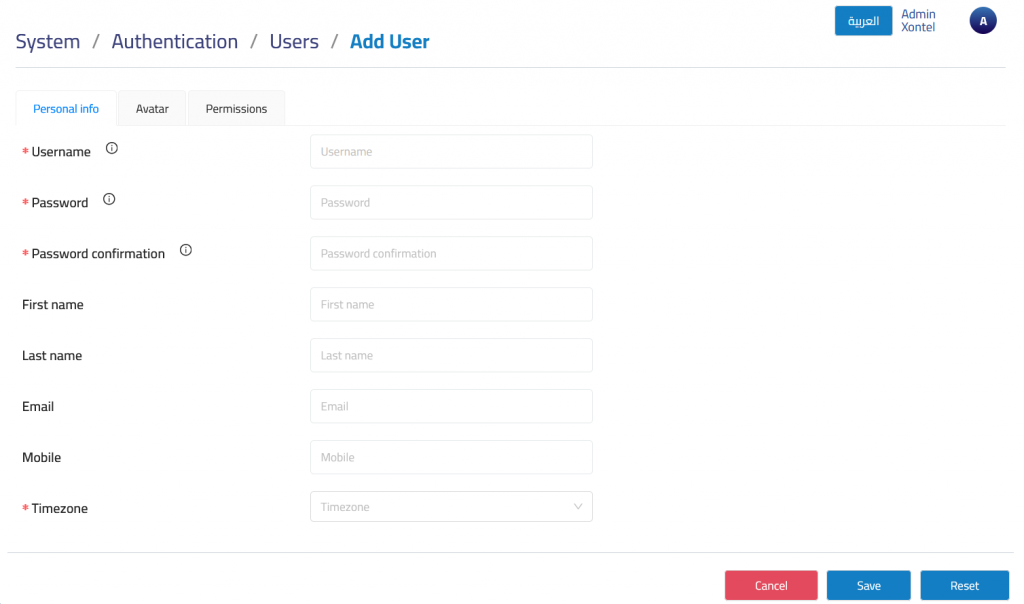
Username: Defines the login username for the user account.
Password: Defines the password used for login authentication.
Password confirmation: Confirms the entered password to ensure it matches before saving the account.
First Name: Defines the user’s first name.
Last Name: Defines the user’s last name.
Email: Defines the user’s email address.
- Note: This email address is used for resetting your password.
Mobile: Defines the user’s mobile number when required.
Timezone: Defines the timezone used for the user account.
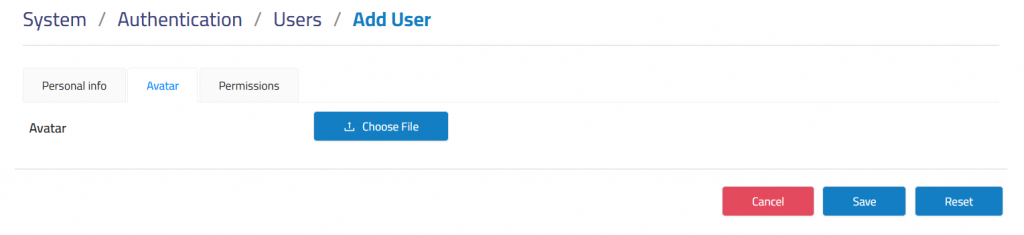
Avatar
Upload a profile picture to personalize the user interface.
Permissions
The Permissions tab is used to define the user’s access level, account status, group membership, and individual permissions.
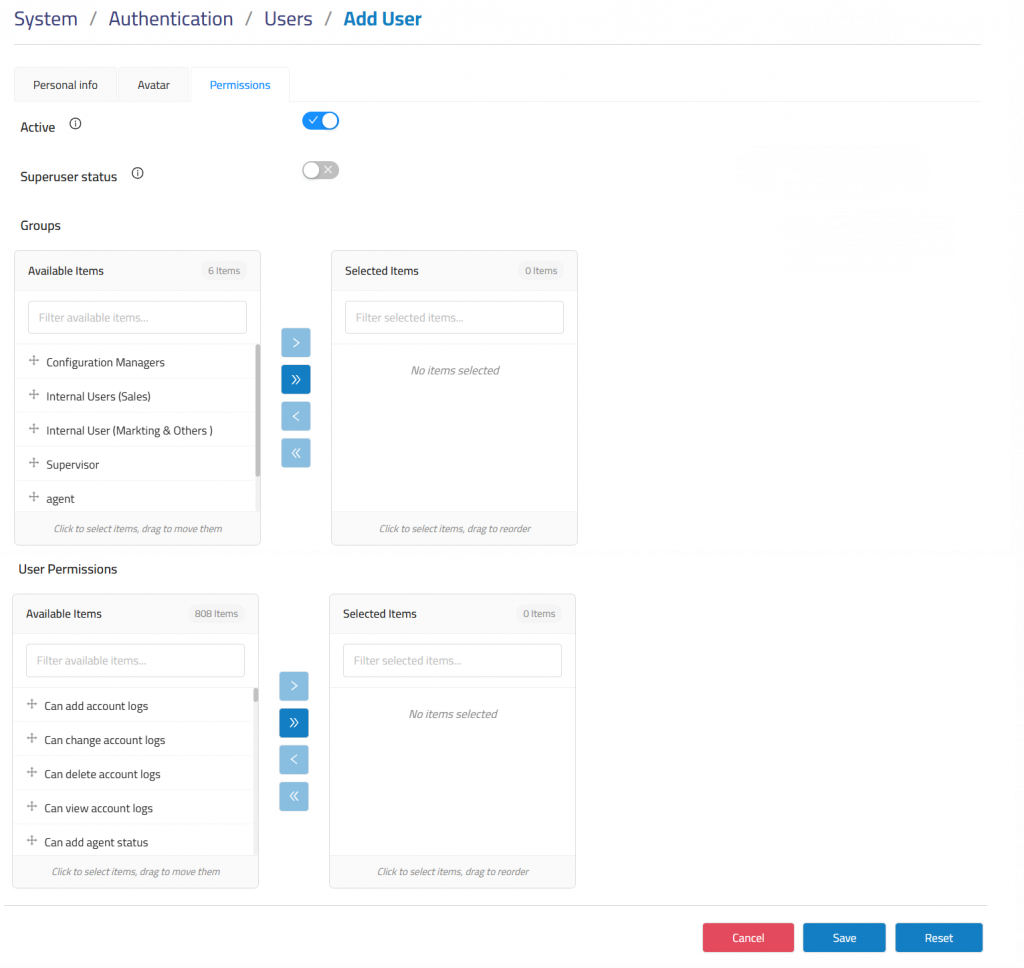
Active: Enables or disables the user account.
Superuser status: Grants full administrative privileges when enabled.
Groups: Users can be assigned to groups that carry specific permissions.. (You can use it instead of individual user permissions).
User Permissions: Directly assign permissions to individual users.