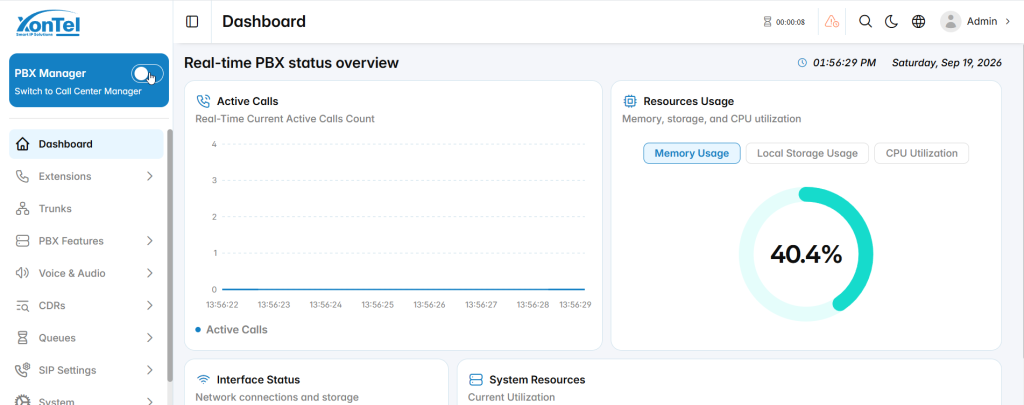
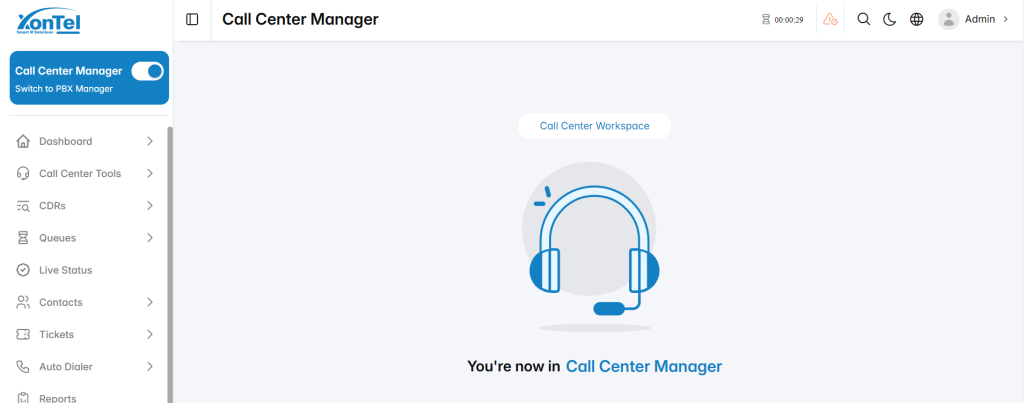
The مع كول سنتر زونتل is accessed using the same account credentials configured for the user in the Authentication section.
Login
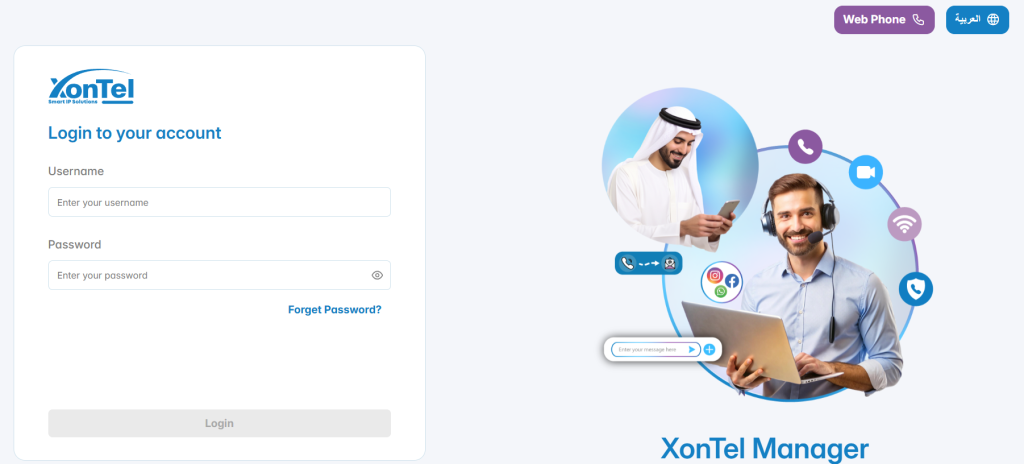
- Open the XonTel Manager login interface.
- Enter the Username.
- Enter the Password.
- Select Login.
- After successful authentication, the system opens the appropriate management interface according to the user’s assigned permissions.
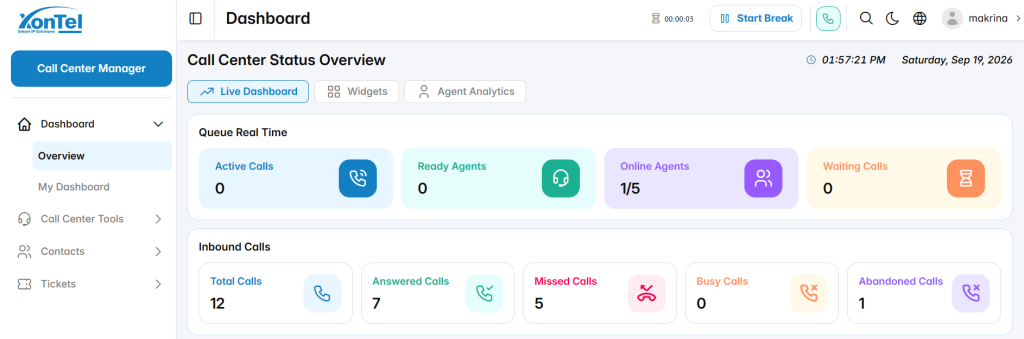
- Users with Call Center Only permissions are directed directly to Call Center Manager and do not need to switch from PBX Manager.
- Agents and Supervisors with Call Center permissions can access the Call Center environment directly based on their assigned role and permissions.
For users who have access to both PBX Manager and Call Center Manager, the Switch to Call Center Manager option can be used to move between the two management environments.