
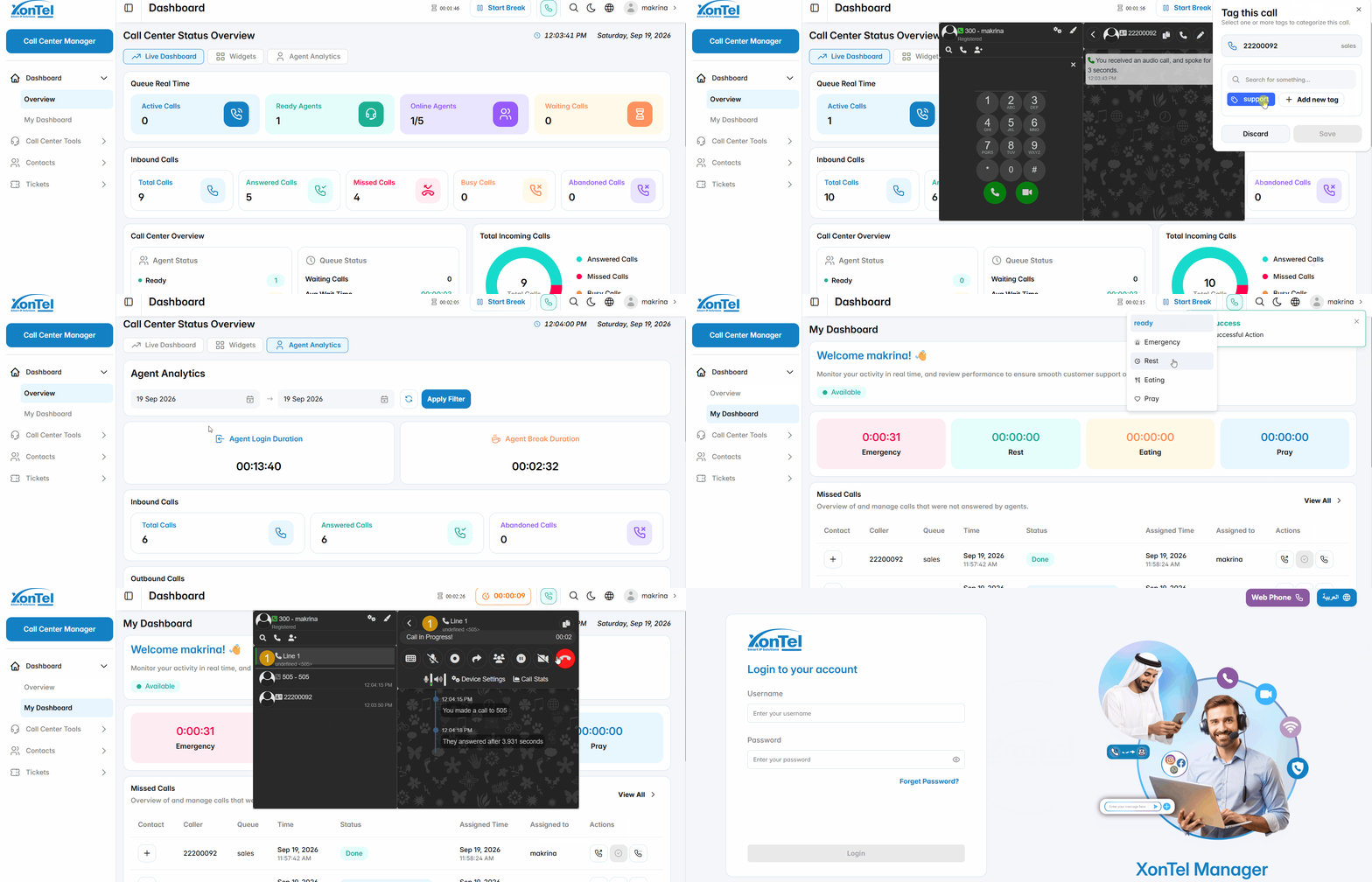
The Agent is a Call Center user who handles customer interactions through assigned queues. An agent can be configured with an extension and connected to different phone topologies, allowing calls to be handled using an IP Phone, Softphone, or Web Dialer. This provides flexibility for agents to handle calls from physical phones, desktop applications, mobile devices, or directly through the web browser.
Incoming Call Popup
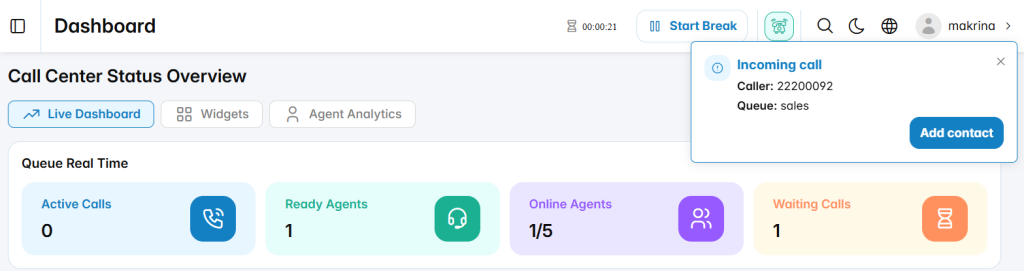
When a customer calls an agent’s assigned queue, an Incoming Call popup is displayed. The popup shows the caller’s number and the queue receiving the call. The agent can use the Add Contact option to add the caller as a contact when needed.
Call Tag Popup
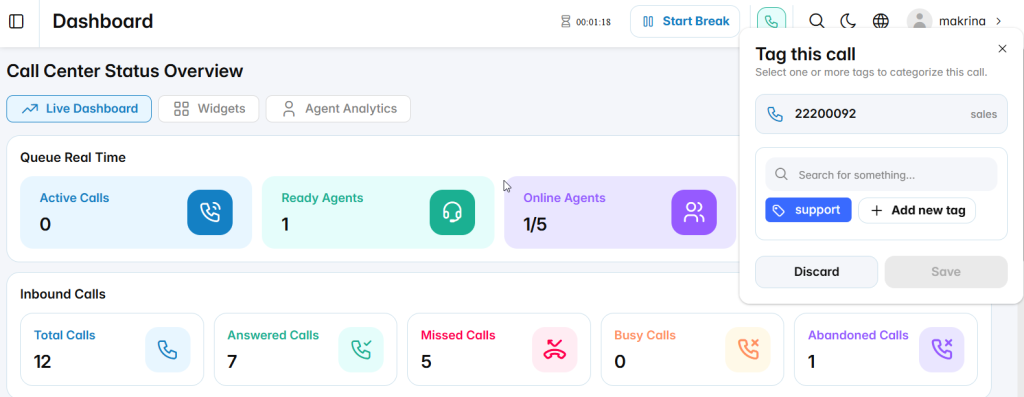
After the agent answers the call, the Tag this call popup can be displayed to categorize the interaction. The agent can select one or more existing tags or create a new tag using Add new tag. The selected tags can then be saved and associated with the call for classification and later reference.