
The Time Conditions section is used to manage time-based routing rules for incoming calls. Time conditions allow administrators to route calls differently based on defined schedules, such as business hours, after-hours periods, weekends, or holidays.
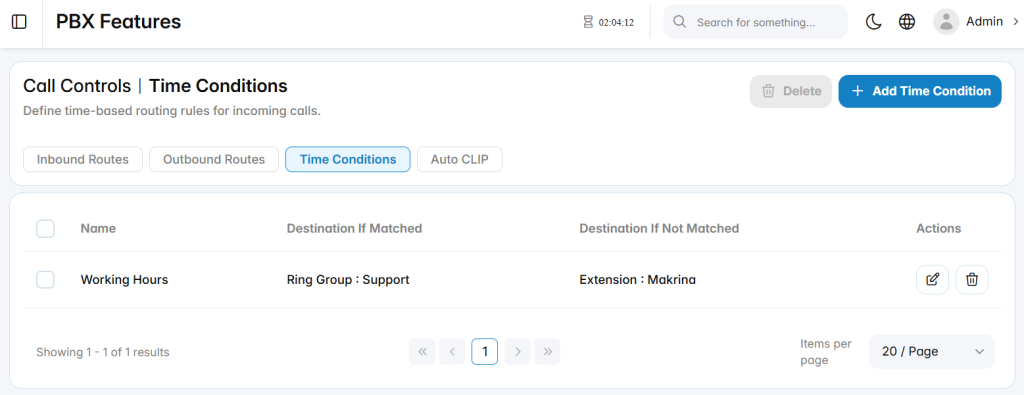
Add Time Conditions
The Add Time Condition section is used to create a new schedule-based routing rule.
Basic Info
The Basic Info tab defines the main routing behavior for the time condition.
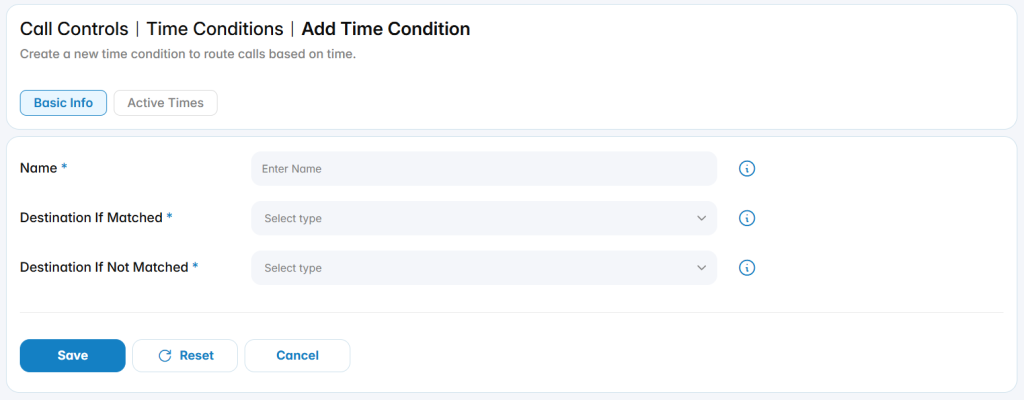
Name: Defines the name used to identify the time condition.
Destination If Matched: Defines where calls are routed when the active time schedule is matched.
Destination If Not Matched: Defines where calls are routed when the active time schedule is not matched.
Active Times
The Active Times tab is used to define the schedule during which the time condition is considered active.
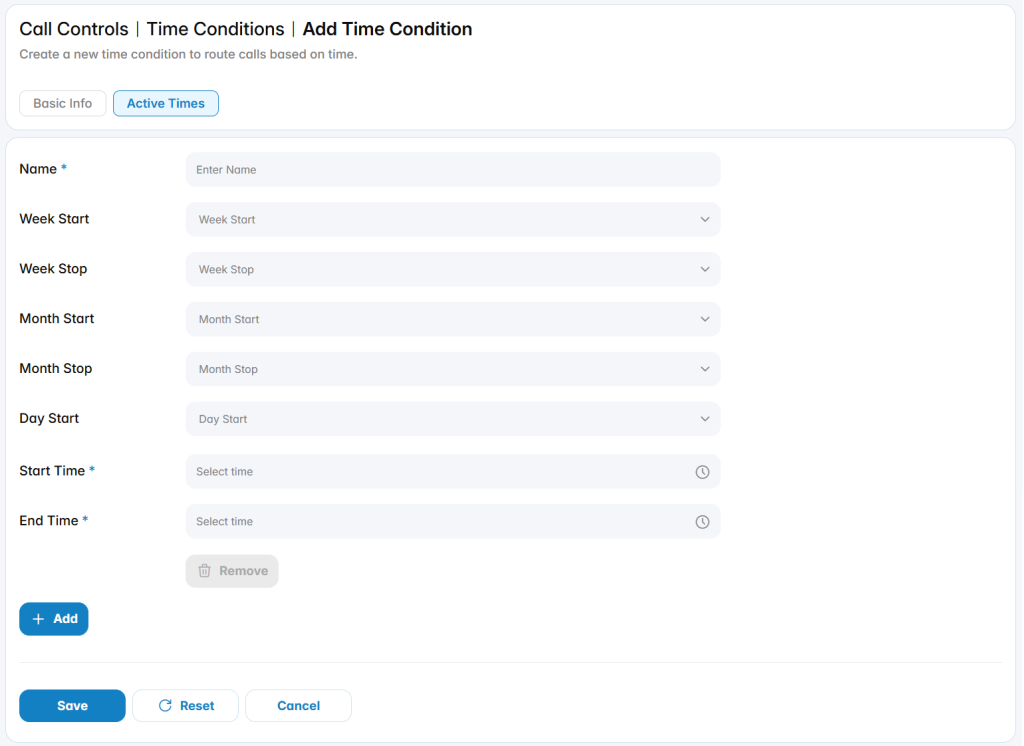
You can configure multiple Active Times under a single Time Condition to cover different schedules or scenarios.