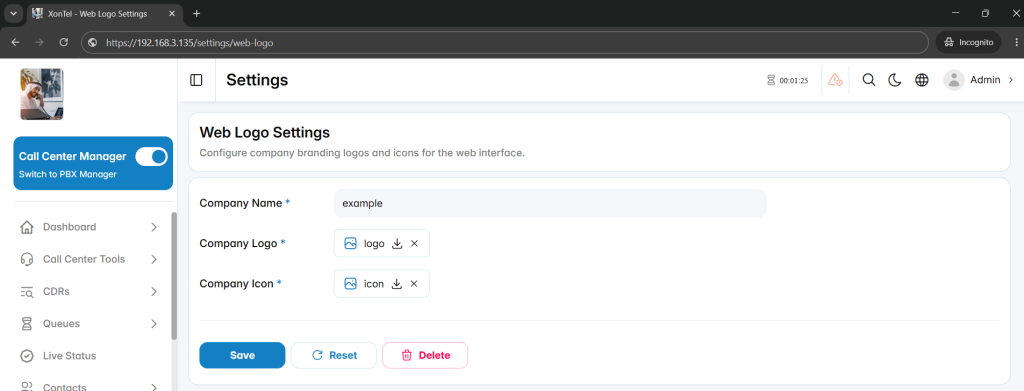
The Web Logo Settings section is used to configure company branding for the Call Center management interface. It allows administrators to define the company name and upload the logo and icon displayed throughout the web interface.
This section helps administrators apply consistent company branding across the Call Center system.
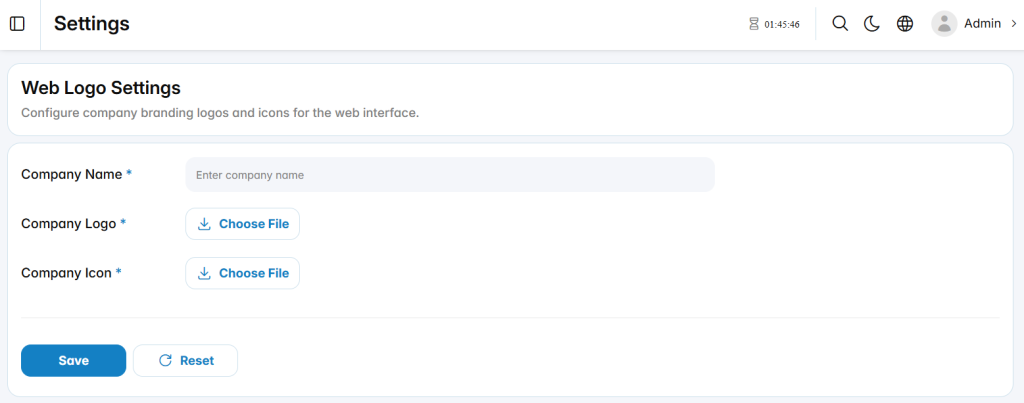
Branding Settings
The available fields define the company identity displayed in the management interface.
Company Name: Defines the company name displayed in the Call Center system.
Company Logo: Uploads the main company logo used in the web interface.
Company Icon: Uploads the company icon used in supported areas of the management interface.